
How to create a booking?
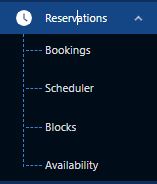
- The user must go to Reservations module, Bookings sub-module
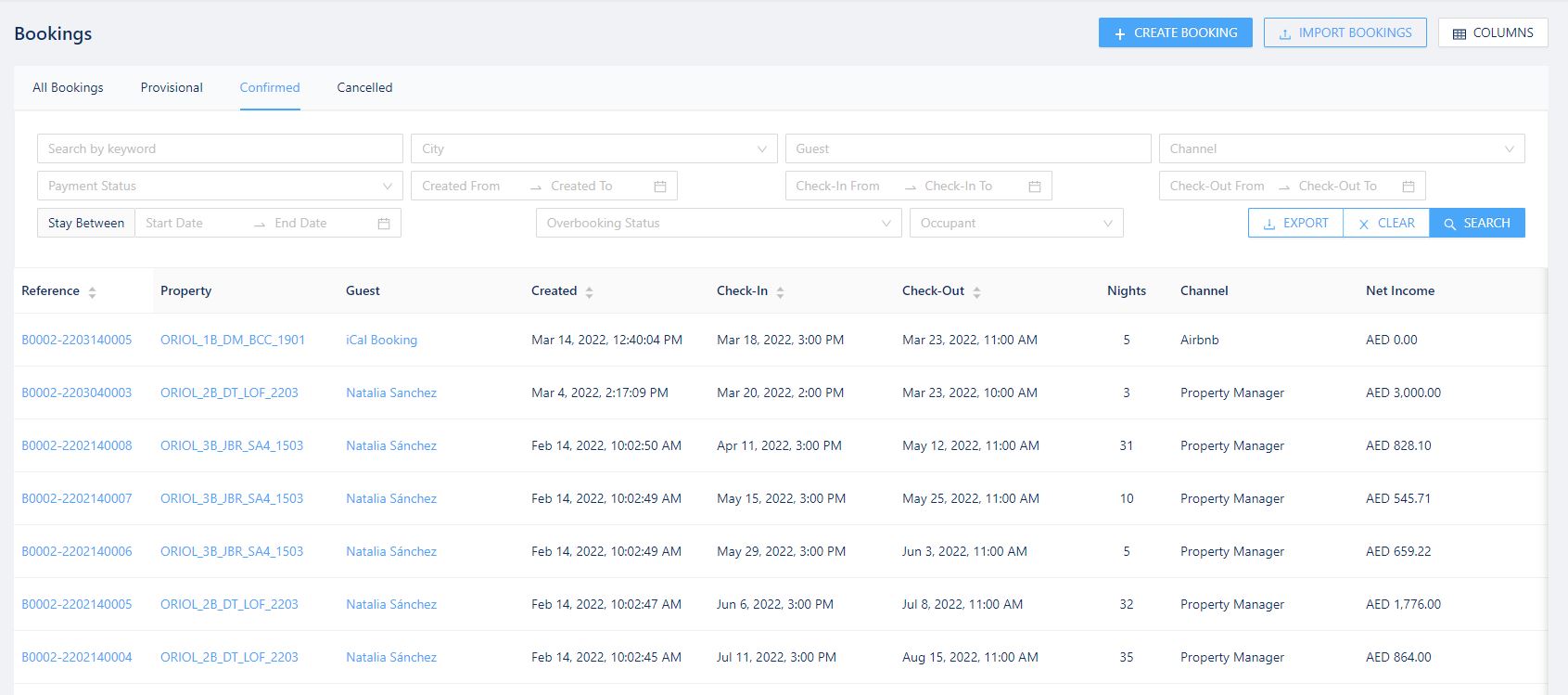
- From Bookings sub-module, click on the button +CREATE BOOKING
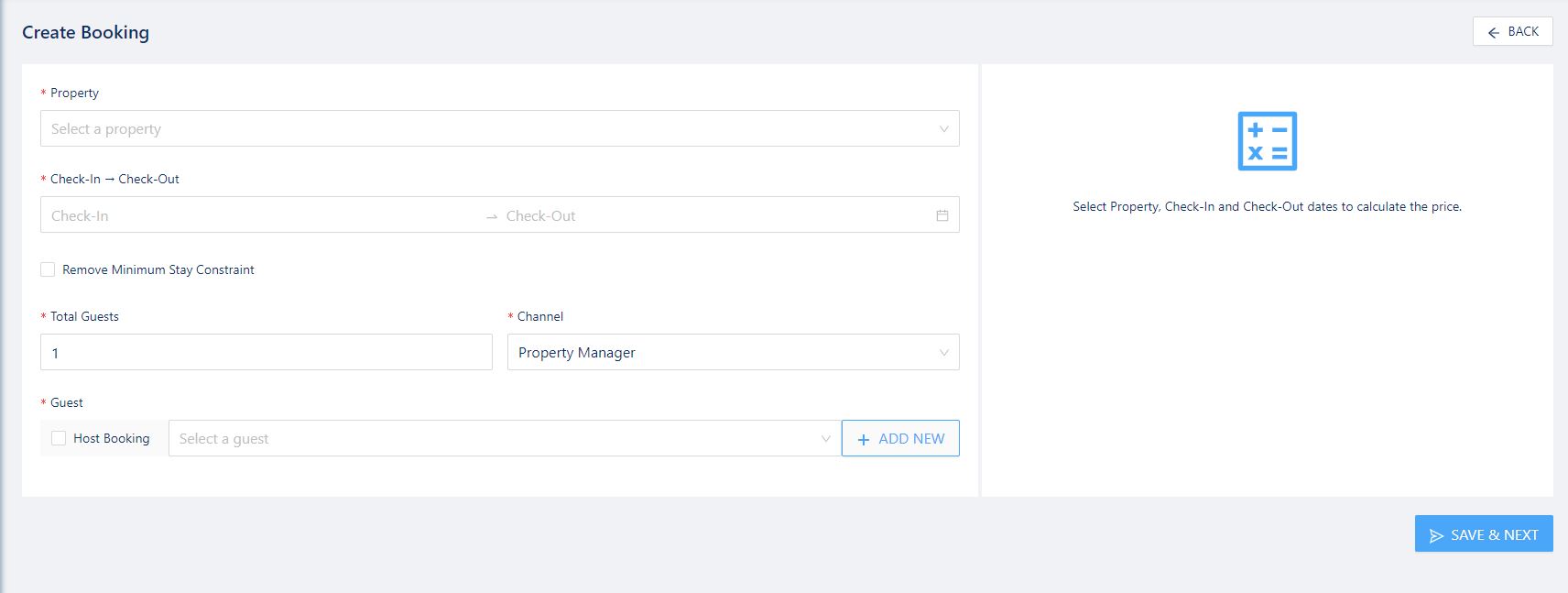
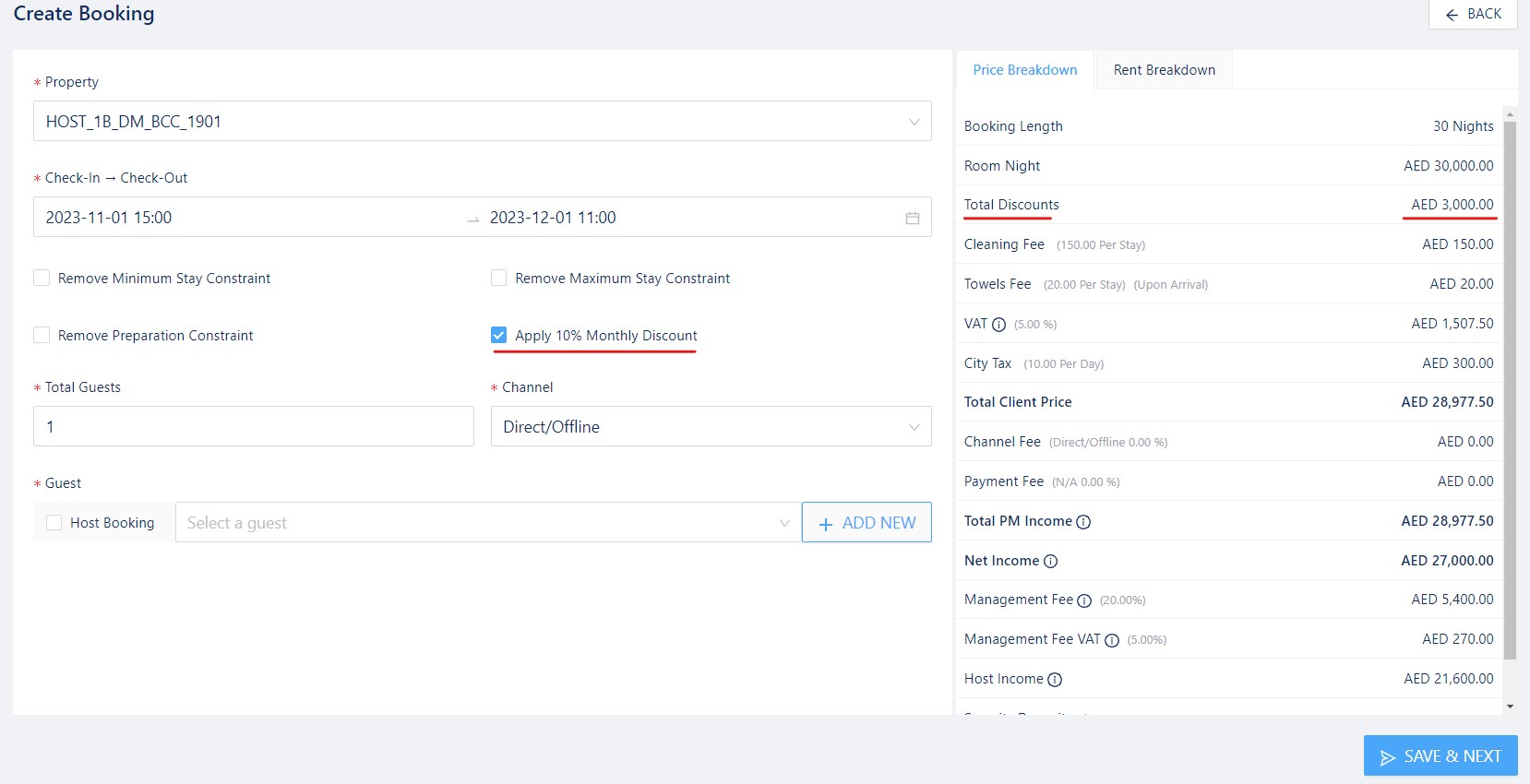
- Fill in the property, dates and number of guests
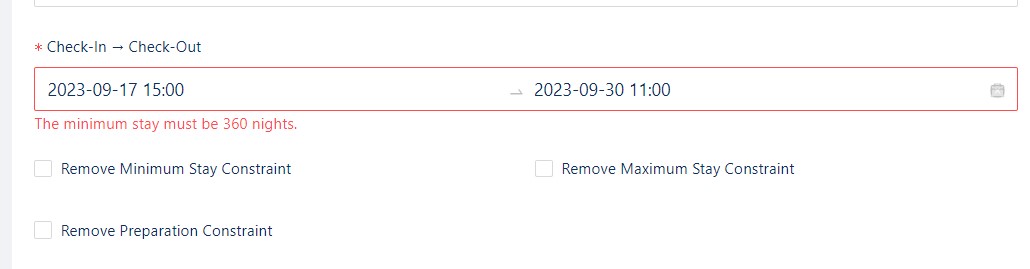
- In case the property has constraints your booking is breaching, you can select to remove them from this booking as an exception:
- To assign the booking to a guest, the user can go to the drop down menu and select a preexisting guest via their email or name. Or they can be created by clicking on +ADD GUEST
- When adding a new guest, the general guest data such as full name, phone number and email are required filled. If email is preexisting in the system, then you must search for the guest in the drop down as they already exist.
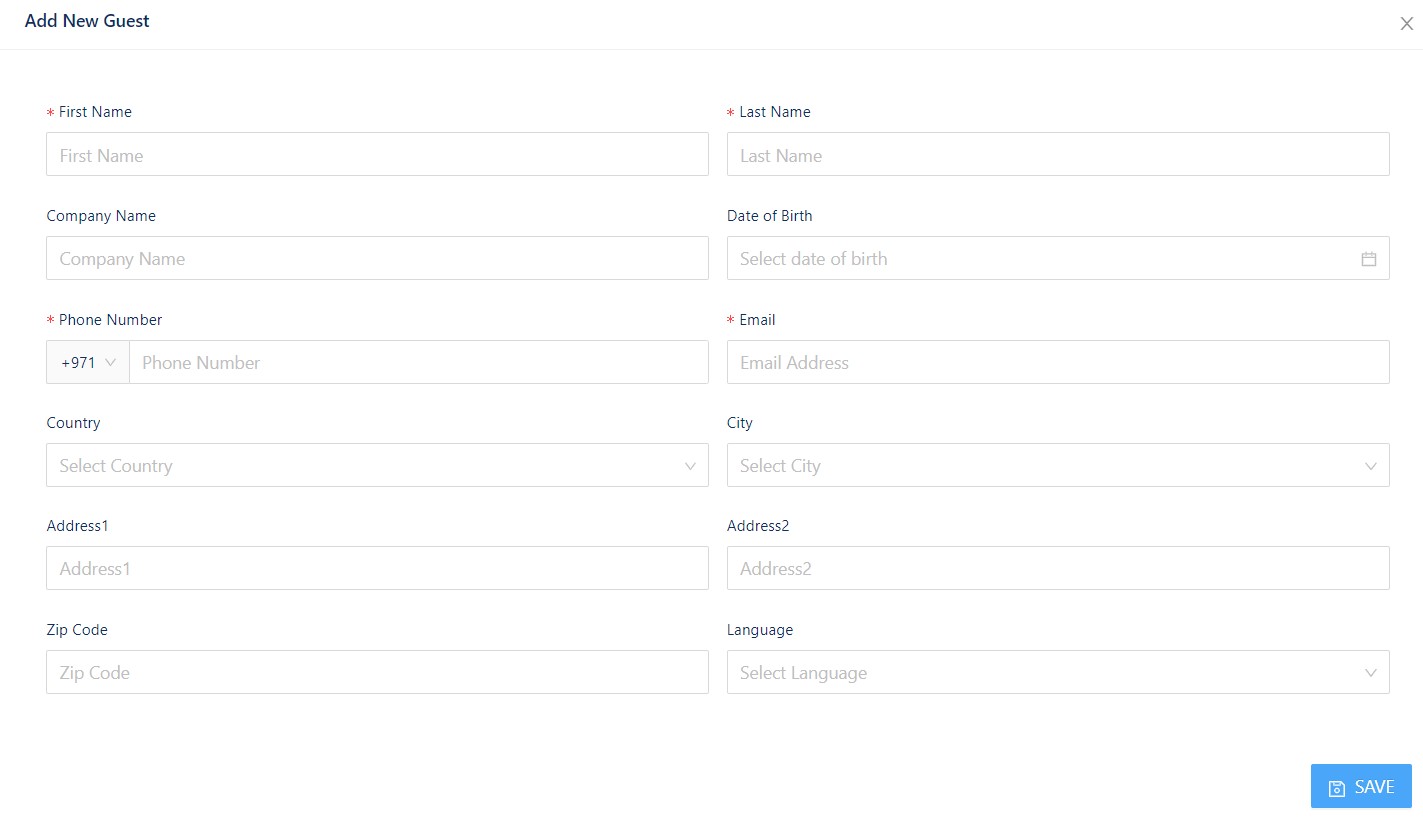
- When adding a new guest, the general guest data such as full name, phone number and email are required filled. If email is preexisting in the system, then you must search for the guest in the drop down as they already exist.
- Afterwards, click SAVE & NEXT
Once these steps are completed, the booking is created as a pending confirmation and pending payment booking. The pricing of the booking is automatically calculated based on the property pricing prepared under the Revenue module. For Direct bookings, users can edit the pricing and fees, while for the OTA bookings, pricing changes are locked and automatically calculated based on the price it sold on the OTA.
Additional details for Booking creation. As of September 2023, an update was released where the user can decide to apply a preestablished discount set up in the property. The discounts are applicable based on week or month, and it will automatically appear when generating the booking.
To learn more about the Reservations Module, please view MrAlfred Tutorial – Reservations Module