
Connecting Account
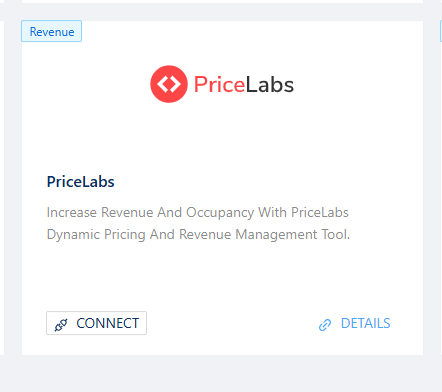
- Go to the App module, find Pricelabs and click on Connect
- A window will pop up asking “Connect Pricelabs?“, click on the sliding button for YES
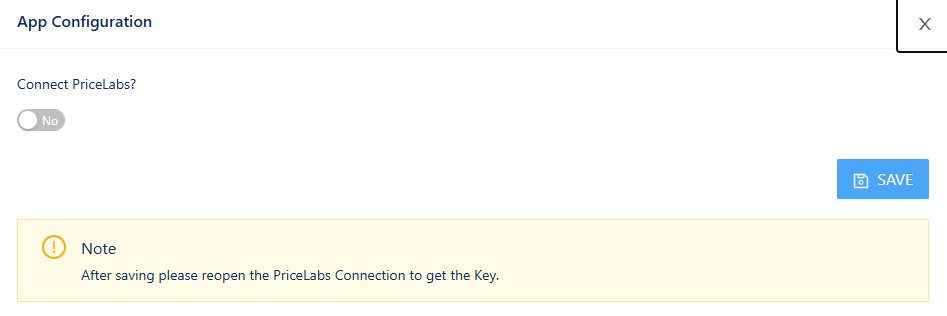
- Click Save, close and reopen the window again, and the API Keys will show
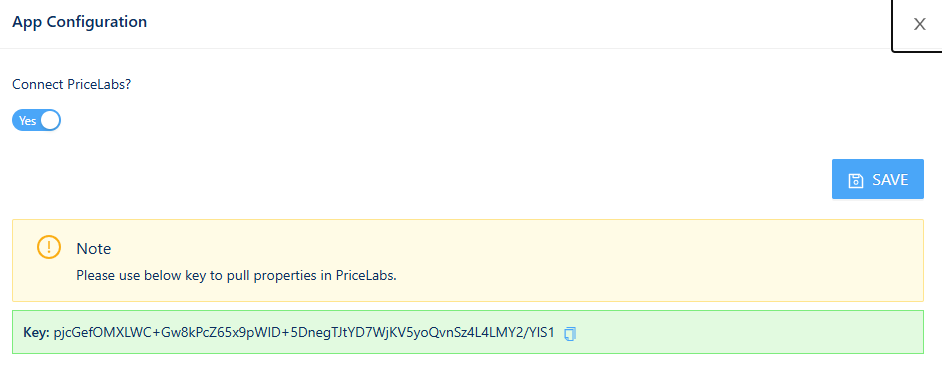
- Copy the API keys to use them in Pricelabs
- Go to your Pricelabs account, and go to Add/Reconnect Listings

- Select PMS / Channel Manager Channex in the dropdown menu
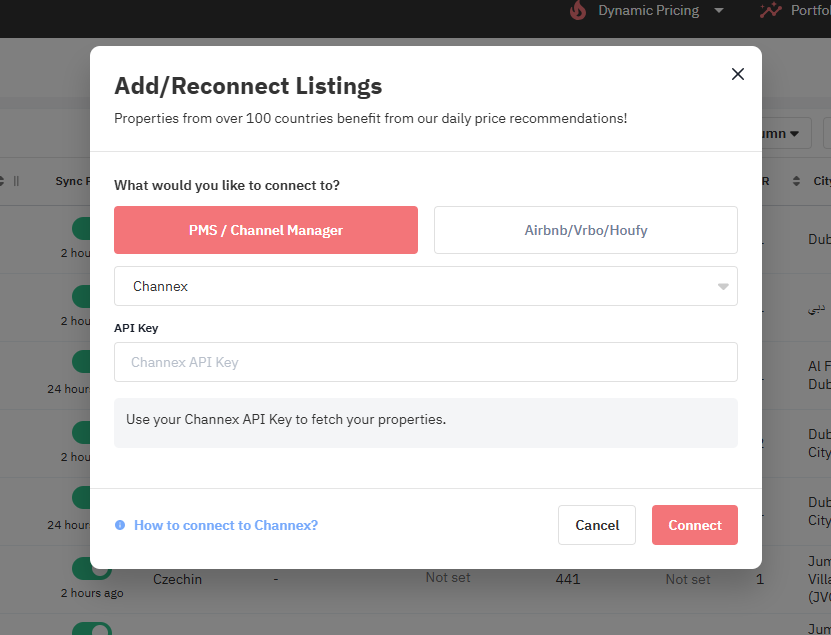
- Add API Keys copied from PMS and click Connect
Connecting Listings
- Go to Communities and click on the Connect icon under Actions column

- Enable the RMS connect by clicking on the sliding button for YES
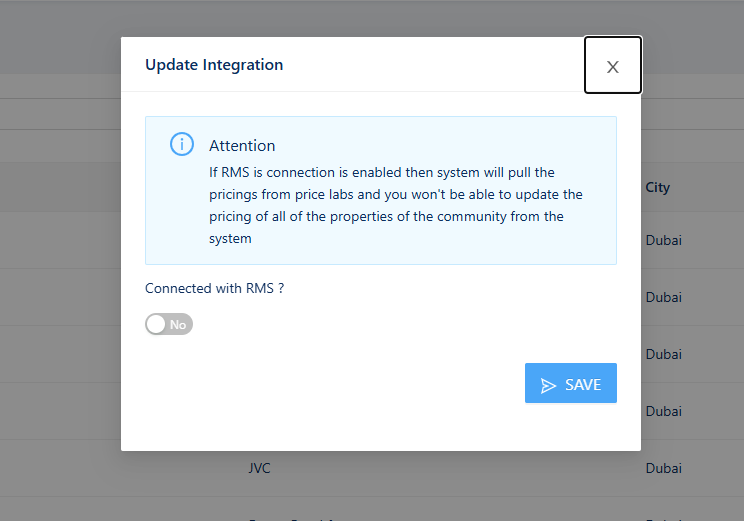
- Once Connected, the RMS column will show as enabled with a check mark

For more details on how to set up pricing in Pricelabs, visit Pricelabs help center
Was this article helpful?
YesNo